You are viewing documentation for CompuTec PDC 3.0, which is supported until December 31, 2026. After this date, it will no longer receive regular support or maintenance updates.
We recommend upgrading to CompuTec PDC 4.0, which runs on CompuTec AppEngine 3.0 (.NET 8).
When upgrading, update all required CompuTec components together to ensure compatibility. Read more
CompuTec Gateway Service Installation
The CompuTec Gateway Service acts as a bridge between CompuTec PDC and connected devices, enabling seamless data exchange. This guide provides step-by-step instructions for installing and setting up the service.
Prerequisites
Before installing the CompuTec Gateway Service, ensure the following requirements are met:
- Configure your firewall to make the 8080 port available
- .Net Framework 4.7.1 is required
- CompuTec AppEngine is required
Installation
-
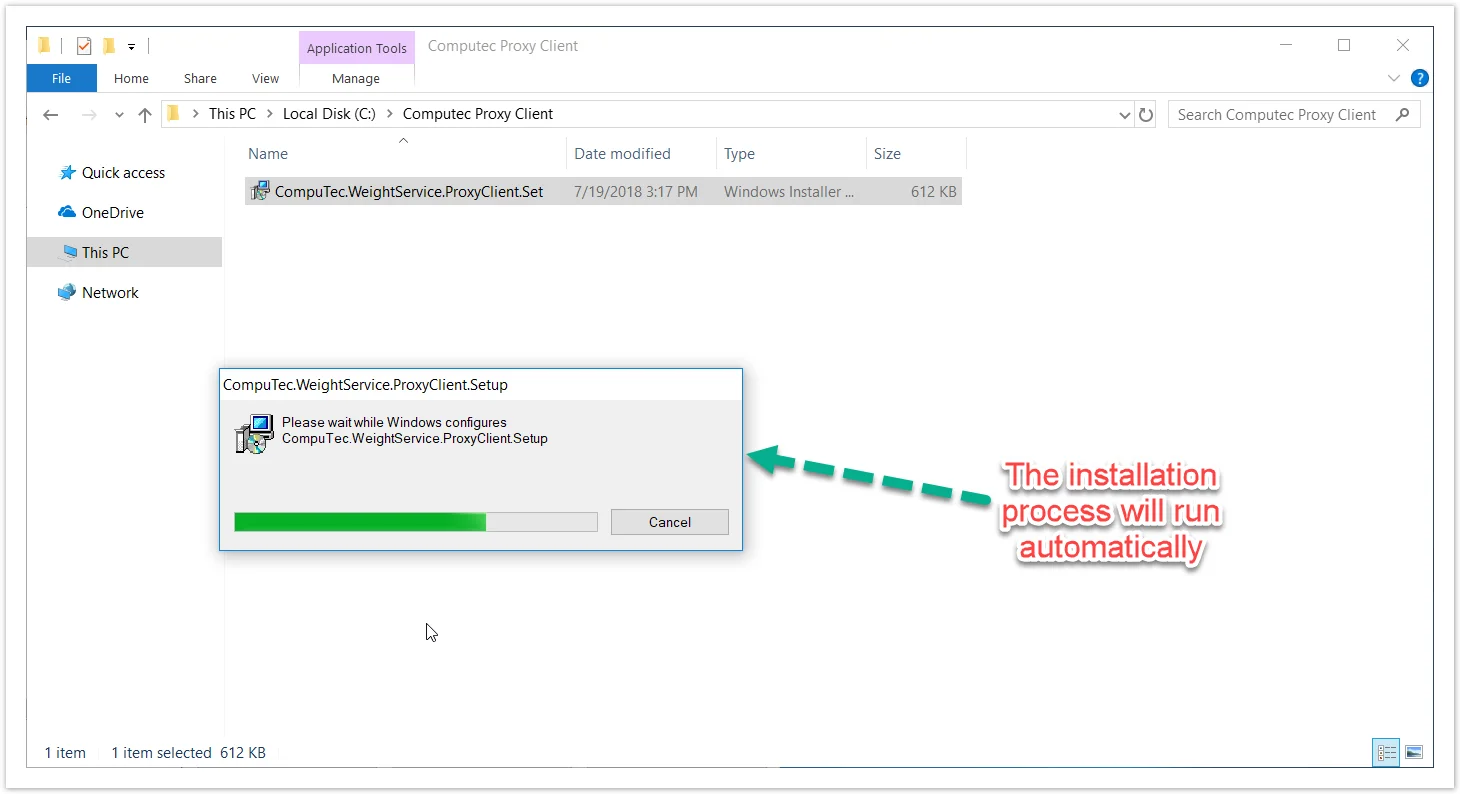
To install CompuTec Gateway Service, download and run its installation file. For version 1.2.0.14 version, you can download it here.
-
Once the installation is complete, the Gateway Service service will start automatically.
-
Verify that the CompuTec Gateway Service has started successfully and is connected to the Service Layer.

-
Proceed to the Weight Configuration Manager to complete the setup.