You are currently viewing documentation for CompuTec AppEngine 3.0 (.NET 8).
If you are working with older environments, you may need the documentation for CompuTec AppEngine 2.0 based on .NET Framework: https://learn.computec.one/docs/appengine/2.0/.
Please note that CompuTec AppEngine 2.0 will be supported only until December 31, 2026. After this date, the product will no longer receive regular support or maintenance updates. Read more
As CompuTec AppEngine 3.0 introduces a new architecture, all CompuTec components must be updated together to ensure full compatibility.
Please review the CompuTec AppEngine 3.0 documentation before starting your installation or upgrade process.
Launchpad
The Launchpad is the central place where you access and work with plugins in your CompuTec AppEngine and SAP Business One environment.
After completing the Launchpad configuration, you can log in using your SAP Business One credentials.
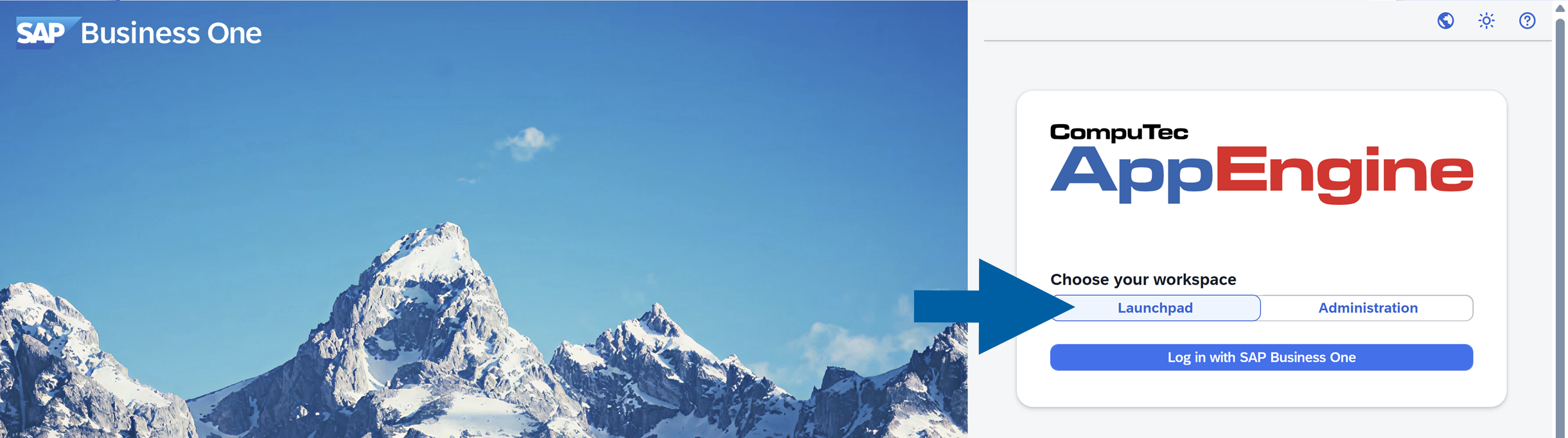
Accessing the Launchpad
Once you log in, the Launchpad displays a panel of tiles. Each tile represents a plugin available to you.
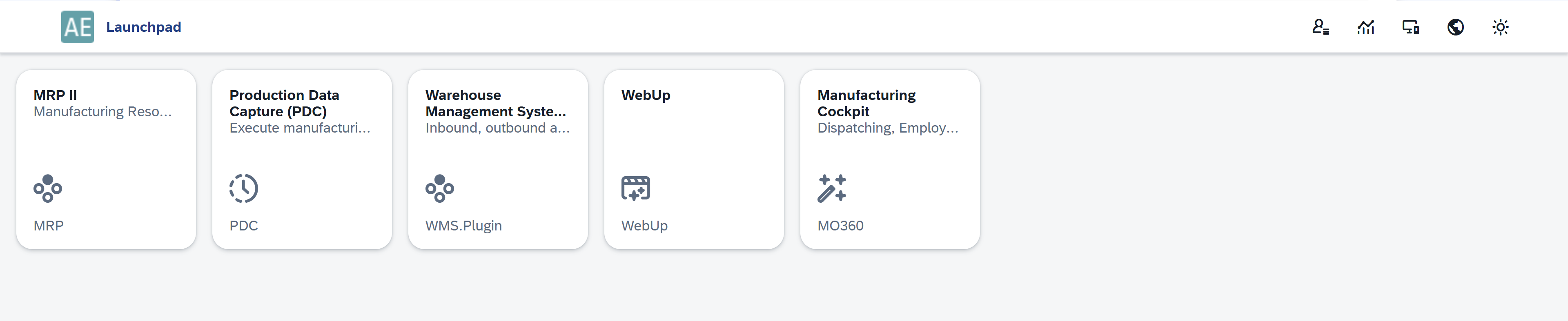
The plugins you see depend on your assigned configuration (scheme). This setup is defined in the Plugin Settings.
Accessing the Analytics
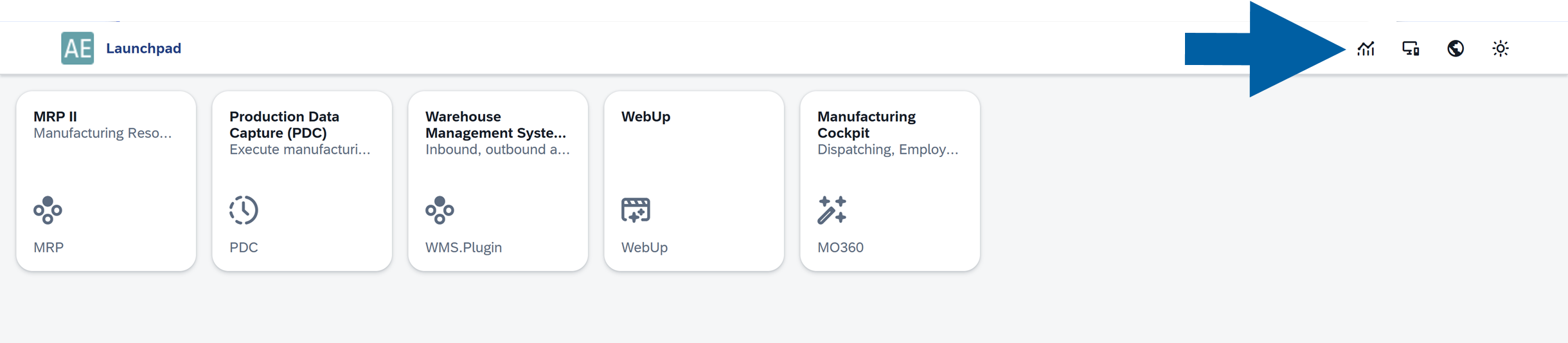
You can also access the Analytics module from the Launchpad, allowing you to create and analyze reports based on your data. Read more
Working with Plugins
To start working with a plugin, click its tile.
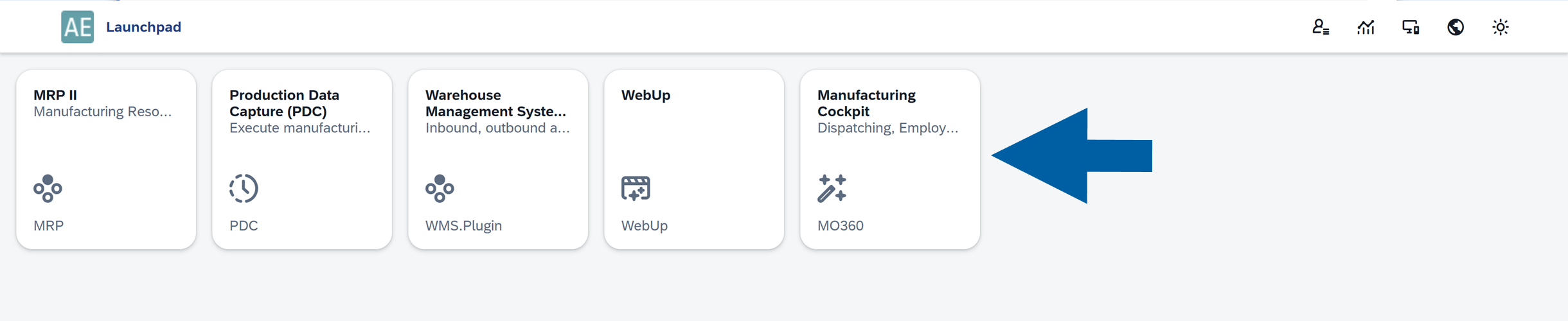
For detailed instructions on how to use each plugin, see the Plugins User's Guide.