You are currently viewing documentation for CompuTec AppEngine 3.0 (.NET 8).
If you are working with older environments, you may need the documentation for CompuTec AppEngine 2.0 based on .NET Framework: https://learn.computec.one/docs/appengine/2.0/.
Please note that CompuTec AppEngine 2.0 will be supported only until December 31, 2026. After this date, the product will no longer receive regular support or maintenance updates. Read more
As CompuTec AppEngine 3.0 introduces a new architecture, all CompuTec components must be updated together to ensure full compatibility.
Please review the CompuTec AppEngine 3.0 documentation before starting your installation or upgrade process.
CompuTec AppEngine Authorizations
Starting with CompuTec AppEngine 3.0, all CompuTec AppEngine authorizations are available under the CompuTec AppEngine authorization node.
The authorization structure used in CompuTec AppEngine 2.0 has been deprecated and is no longer used in Computec AppEngine 3.0.
Authorization structure in CompuTec AppEngine 3.0
In CompuTec AppEngine 3.0, the root authorization node is:
| Root Authorization Node ID | Root Authorization Node Name |
|---|---|
AppEngine | CompuTec AppEngine |
All CompuTec AppEngine 3.0 authorizations are located under this node.
The following authorization groups are available:
| Authorization Group Name | Authorization Group ID |
|---|---|
| Analytics | AE_Analytics |
| Plugins | AE_Plugins |
| Custom | CT_AE_Custom |
Additional permissions are created under these groups as needed. For example:
- Analytics permissions use the
CTAN_prefix. - Plugin permissions use the
CTPL_prefix.
Set the authorizations
If you want to set the authorizations, follow these steps:
-
Log in to SAP Business One.
-
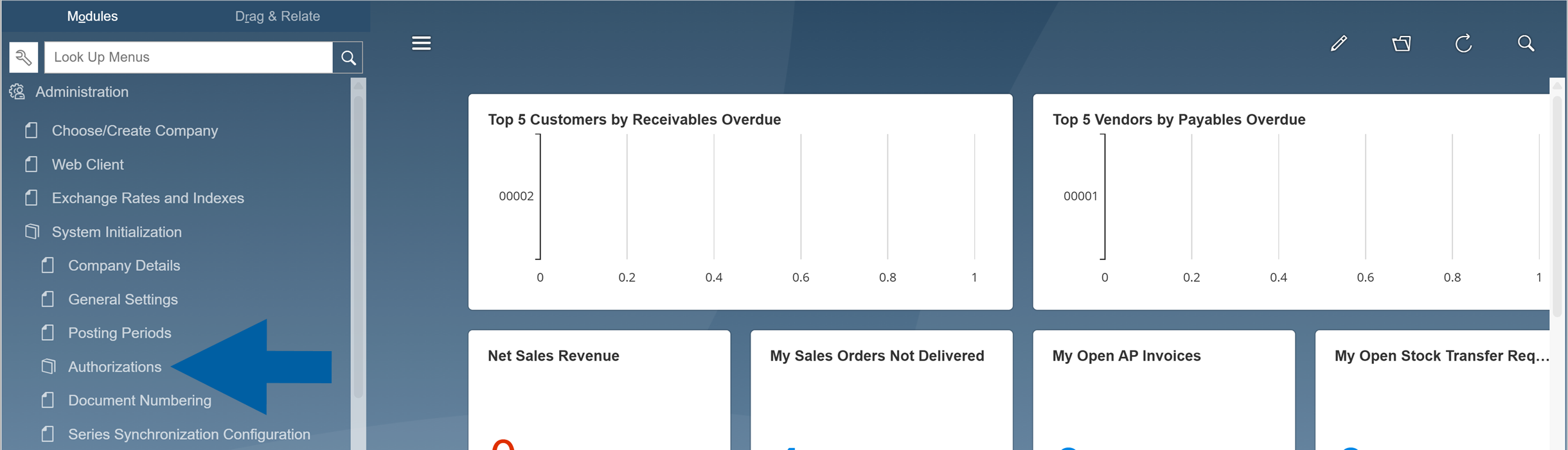
In menu, go to Administration > System Initialization > Authorizations.
-
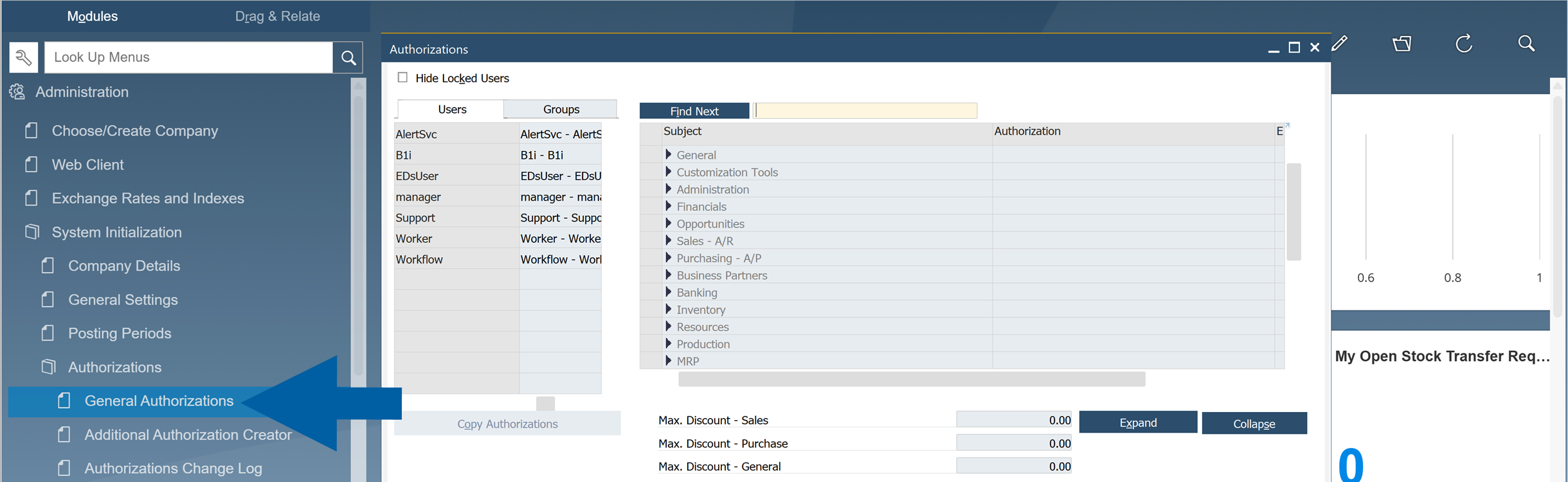
Navigate to General Authorizations.
-
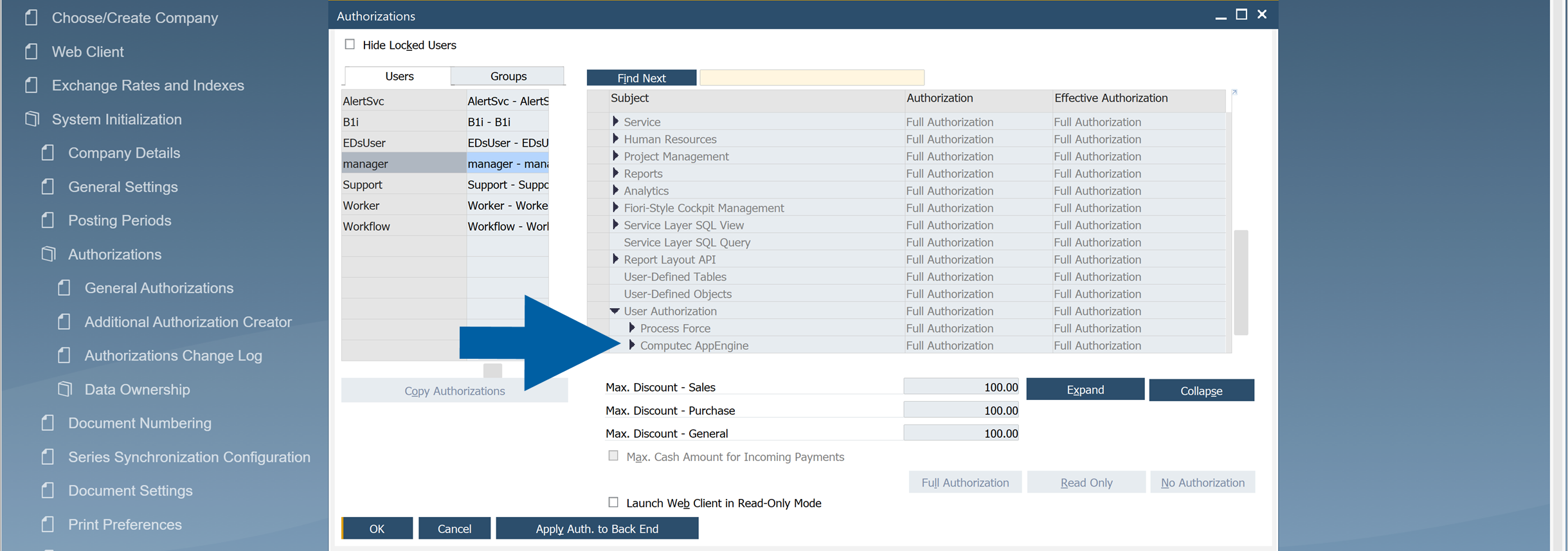
On the left, choose the user you want to grant the authorizations to, and then choose CompuTec AppEngine from the list.
-
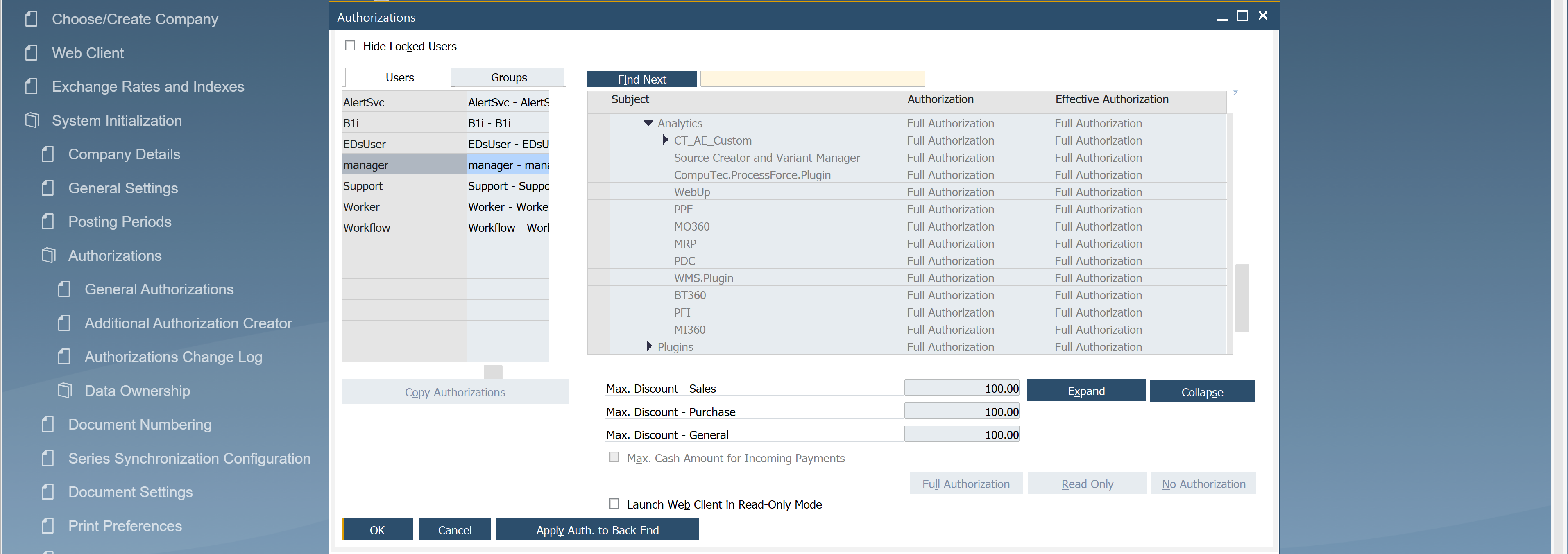
Here you can choose the authorizations for each CompuTec AppEngine authorization group.
Deprecated authorization structure
In CompuTec AppEngine 2.0, the root authorization node was:
| Root Authorization Node ID | Root Authorization Node Name |
|---|---|
CT_AppEngine | AppEngine |
Starting with CompuTec AppEngine 3.0:
- The legacy authorization structure is no longer created.
- Existing authorizations under the AppEngine node are deprecated.
- CompuTec AppEngine 3.0 does not use permissions assigned under the
CT_AppEnginenode.
After upgrading to CompuTec AppEngine 3.0, administrators can remove the deprecated AppEngine authorization node (CT_AppEngine) from the Additional Authorization Center if it is no longer needed.
CompuTec AppEngine 3.0 does not use authorizations stored under this node. All active CompuTec AppEngine authorizations are available under the CompuTec AppEngine authorization node (AppEngine).
Important upgrade information
When reviewing existing authorizations, note that the term AppEngine is used differently in the two authorization structures:
| CopuTec AppEngine Version | Root Authorization Node ID | Root Authorization Node Name |
|---|---|---|
| CompuTec AppEngine 2.0 (deprecated) | CT_AppEngine | AppEngine |
| CompuTec AppEngine 3.0 | AppEngine | CompuTec AppEngine |
This difference can be confusing when searching for authorization nodes or comparing configurations between versions.
If you are upgrading from CompuTec AppEngine 2.0, verify that user permissions are assigned under the CompuTec AppEngine authorization node used by CompuTec AppEngine 3.0.